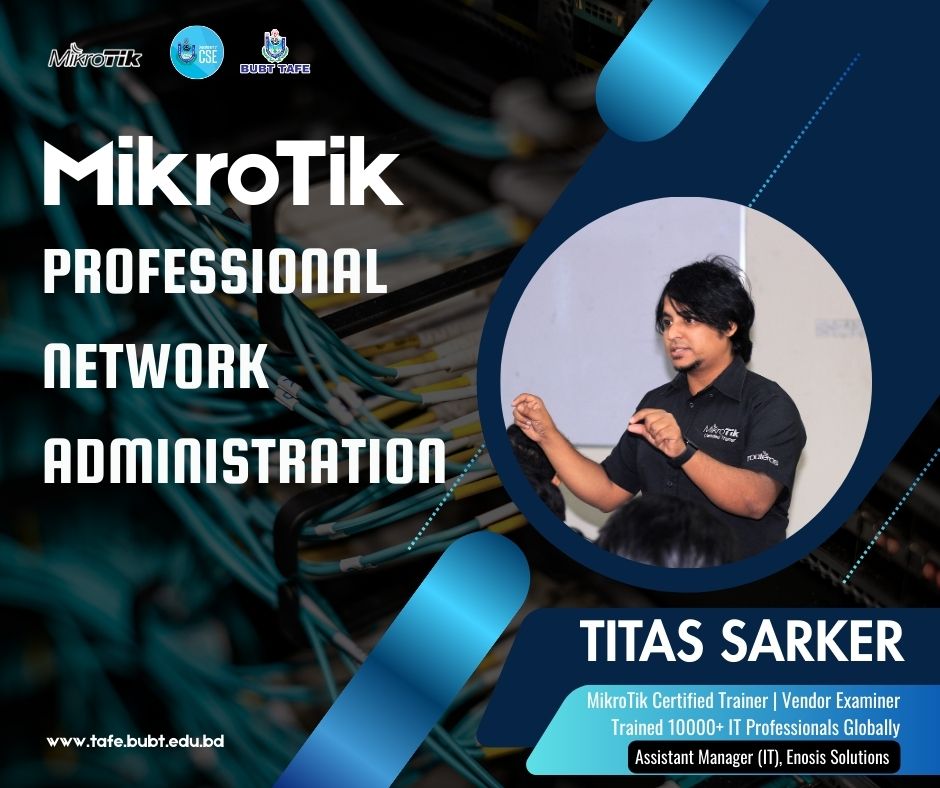
MikroTik Professional Network Administration

About Course
Course Description
The MikroTik Certified Network Associate (MTCNA) course is a comprehensive, hands-on networking program designed to build strong foundational skills in MikroTik RouterOS and RouterBOARD devices. This course is offered under the MikroTik Academy program, enabling students to gain industry-recognized networking knowledge aligned with global standards.
MikroTik is a leading Latvian networking company founded in 1996, known worldwide for its powerful routing software (RouterOS) and hardware (RouterBOARD). MikroTik solutions are widely used by ISPs, enterprises, and network professionals across the globe.
Through this course, students will learn how to configure, manage, secure, and troubleshoot MikroTik routers in real-world network environments. The training combines theoretical concepts with practical lab sessions, ensuring students develop job-ready skills in routing, wireless networking, firewall configuration, bandwidth management, and secure connectivity.
Upon completion, students will be fully prepared to manage small to medium-scale networks and sit for the MTCNA certification exam, a globally recognized credential in the networking industry.
Course Information
-
Duration: 4 Months (16 Weeks)
-
Course Type: Professional Certification Training
-
Eligible Students: Only Uttara University students
-
Prerequisites:
-
Basic understanding of TCP/IP
-
Knowledge of IPv4 addressing and subnetting
-
Learning Outcomes
By the end of this course, students will be able to:
-
Understand MikroTik RouterOS architecture and RouterBOARD hardware
-
Configure routers for internet connectivity and local networks
-
Manage DHCP, routing, wireless, firewall, and QoS services
-
Secure networks using firewall rules and VPN technologies
-
Monitor and troubleshoot network performance
-
Design and implement basic enterprise and ISP-level networks
Course Content
Fundamentals & Initial Configuration
-
Introduction to MikroTik
-
Accessing MikroTik Routers
-
RouterOS CLI & Management
-
Initial Network Configuration
Core Networking Services
Wireless, Firewall & Security
QoS, VPN & Monitoring
Student Ratings & Reviews